Tell stories, build worlds.
Turn an idea into an illustrated, narrated story with characters that look the same in every panel. Download it as an MP4, or publish a page you share with a QR code and trackable links.
Have footage or photos? Start blank



Powered by Google Gemini Omni · Kling 3.0 · Seedance 2.5 · Gemini · GPT Image · FLUX Kontext
Whatever you're making, start here
12 formats and 35 ready-made templates. Each one sets the panel shape and the starting look for you.

Staff training guides
Onboard a crew with a story

Product launches
Tease, reveal, and end on a QR

Picture books
Read aloud, then print it

Music releases
Visualizers and storyboards for a single

Comics and webtoons
The same hero in every panel

Greeting cards
Illustrated, and narrated if you like

Coloring books
Line art you can print

Scene pitches
Show the film before it is shot
See what you can make
Animated episodes, short films and music videos made with Melted Crayons TV, published on our own YouTube channel.
The Adventures of Max Flow — Episode 2
Merlin the Magical — Episode 1
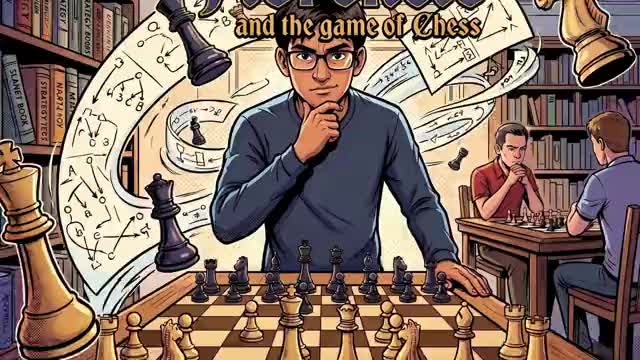
Florencio and the Game of Chess
Kontrast — She Got Me Buggin' (GTA Style)
Kontrast — She Got Me Buggin' (Voxel Style)
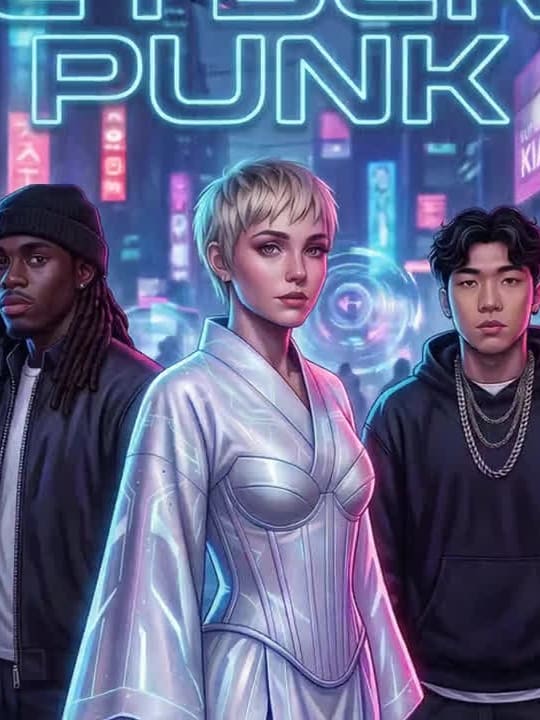
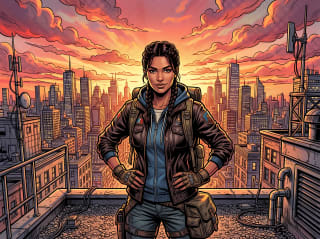
One scene, every style
The same scene in 30+ art styles, from cinematic photoreal to toy bricks to hand-painted anime. These are the studio's own renders.


Characters that stay in character
Upload a photo once. The AI locks in your character's face and style across every panel, every chapter, every story. Change an outfit in plain words and they stay unmistakably them.
Or start with a free ready-made cast: Aladdin, Alice, Anansi the Spider and 21 more classic legends.




Narrate, animate, watch
Give every character a voice and your story reads itself aloud. On paid plans, animate panels and lip-sync a speaking character to their lines. Translate it into 10 languages, then play it full-screen or download a real MP4.
From idea to published story
Four steps from one sentence to a link you can share.
- 1
Describe your story
Type one line about the story you want to tell. The AI writes it panel by panel — no blank page.
- 2
Pick a look & shape
Choose from 30+ art styles and where it'll live — YouTube, TikTok, Instagram, square, or print.
- 3
Cast your characters
Use a free Community Classic, generate one from a description, or bring your own — the AI keeps them on-model across every panel.
- 4
Generate, animate, publish
Generate your panels, bring them to life with motion and voices, then download an MP4 or publish a page you share with a QR code and trackable links.
Three ways to make one
Same studio, your pace: from one sentence to fully hands-off.
Quick Start
Type one line and pick a look. The AI writes the panels and names the cast. Fill each role or skip it, then one click in the studio draws them all.
Start with a sentenceThe Studio
Pick a format, start from a template or a blank page, and direct every panel yourself on one canvas: cast, scenes, motion, voices, layout and publishing.
Browse formats and templatesYour AI agent
Connect Claude, ChatGPT, Cursor or any app that supports MCP, describe the story, and it builds it for you on your own plan and credits.
Connect your agentThen measure what your story actually drove
Every story you publish gets its own page to share on your channels. Add a trackable short link or QR code, placed right in the artwork if you like, and see how many scans and clicks each one earned.
Trackable short links
A clean link per post or channel, so you know where your audience came from.
QR in the artwork
A scannable code in the panel itself, from a printed poster or a screen straight to the story.
Live scan and click stats
A real-time count and a 30-day trend for every link.
The world needs your story
Start with a sentence, pick a look, and share it with readers everywhere.
Start creating free